
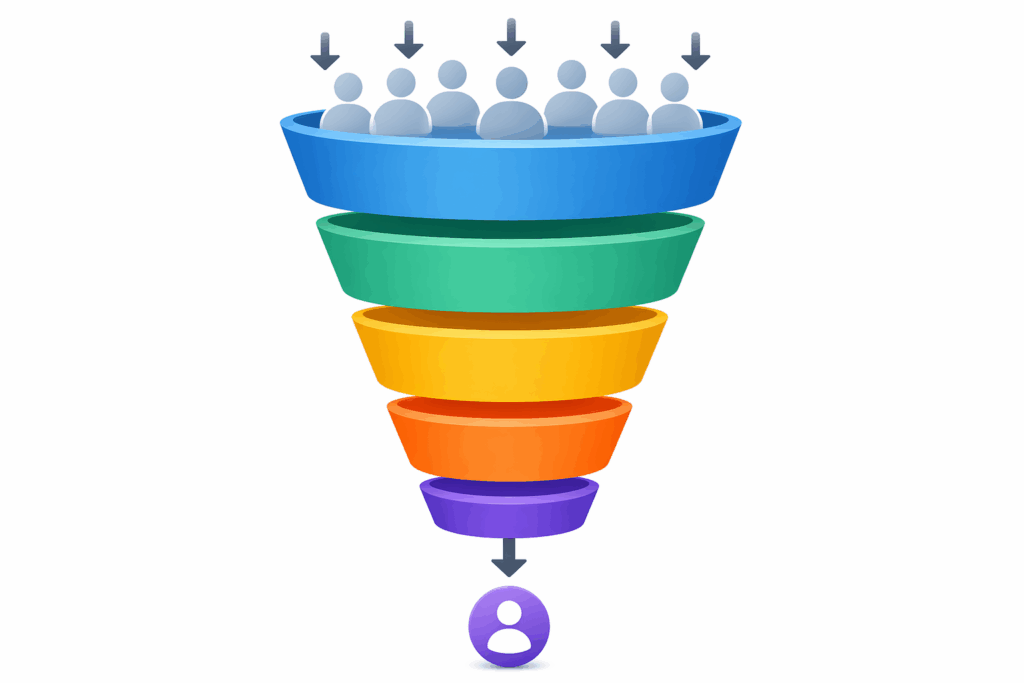
No-Code Funnel Builder: The Fastest Way to Turn Traffic Into Revenue
A no-code funnel builder is software that lets you create landing pages, lead funnels, and complete funnel sequences using a drag-and-drop interface, no coding knowledge required.
It replaces the developer, the designer, and half your marketing stack with a single platform. For any digital marketer who needs to move fast, it is the shortest path between paid traffic and qualified leads.

The right funnel builder turns a cold click into a booked call in days, not months. The wrong one drains ad spend while you wait on a dev ticket.
Speed is not a nice-to-have—a study reports that 40% of shoppers abandon a website if it takes more than three seconds to load.
When pages stall, user satisfaction drops immediately, and so does your chance of converting that click into revenue. This guide walks you through what to look for, which essential features matter most, and how to match a tool to your sales process so every dollar of traffic does more work.
Key Takeaways
- A no-code funnel builder replaces developers, freeing your marketing team to launch campaigns in hours.
- Drag-and-drop editing, mobile optimization, and built-in analytics are non-negotiable for serious lead generation.
- The best sales funnel builders combine lead capture, marketing automation, and conversion tracking in one workspace.
- Custom domains, A/B testing, and advanced conditional logic separate good funnel builders from basic page tools.
- Free plan options exist, but paid plans start where the real conversion optimization features live.
Ready to stop leaking ad spend? Try Convertri today.
What Is a No-Code Funnel Builder?
A no-code funnel builder is a platform that lets you create funnels, landing pages, and forms using a visual drag-and-drop interface rather than custom code or HTML.
You pick a funnel template, swap copy, drop in images, and publish to your own domain. No dev ticket, no staging server, no waiting.
The category has grown because funnel building is no longer a one-page job. A modern sales funnel stitches together opt-ins, upsells, quiz answers, email sequences, and thank-you pages into a single path. Trying to build that across multiple tools fragments data and breaks attribution. A funnel builder keeps the entire customer journey inside one system.
Most platforms now include marketing automation, automated email sequences, and conversion tracking as part of the core product. That means the same tool that captures leads can also nurture them, score them, and hand them off to your sales team with full context.
Why Funnel Building Beats Standalone Landing Pages
Standalone landing pages convert visitors at one moment in time. Funnels convert them across a sequence. That difference shows up directly in average order value, lead quality, and cost per acquisition.
A complete funnel uses conditional logic to route visitors based on behavior. Someone who clicks a pricing link sees a different follow-up than someone who watches a demo video.
Interactive funnels built with quiz answers can segment website visitors in real time and deliver messaging that actually matches their problem. HubSpot reports that personalized calls to action convert 202% better than generic ones, which explains why multi-step funnels consistently outperform single-page setups.
The result is simple math. When you raise conversion rates at three steps in a sequence instead of one, compounded gains beat any single page improvement.
That is why good funnel builders prioritize multi-step funnels and advanced features like A/B testing across the entire flow, not just the opt-in page.
Essential Features to Look For
Not all sales funnel builders are built the same. Before you commit, check that the platform covers the non-negotiables below.
Drag-and-drop builder with mobile optimization.
A clean drag-and-drop interface is table stakes. What separates strong tools from weak ones is how they handle mobile devices.
Most website visitors land on a funnel from a phone, so the builder needs a dedicated mobile view where you can adjust layout, font size, and button placement for mobile users. If the mobile output is just a shrunk desktop page, your conversion rates will suffer.
Extensive template library
A broad, extensive template library gets you from zero to tested in an afternoon. Look for funnel template options built for specific goals: lead magnet opt-ins, webinar registration, tripwire offers, application funnels, and high-converting funnel structures for coaching or SaaS. Generic templates force you to rebuild from scratch.
Custom domains and multiple sites
Running multiple sites or multiple websites across brands or campaigns is common once you scale. Make sure the platform supports custom domains on every plan level that matters to you.
Being forced to publish on a subdomain of the tool signals weak positioning to both search engines and prospects.
Conversion tracking and built-In analytics
Built-in analytics, detailed analytics dashboards, and native hooks into Google Analytics and ad platforms let you see what is actually working. Without solid analytics tools and conversion tracking, every decision about ad spend becomes a guess. Strong platforms track page views, opt-ins, upsell takes, and revenue per visitor out of the box.
A/B testing and conditional logic
A/B testing (often called b testing inside product menus) lets you run test variations of headlines, offers, and layouts side by side.
Advanced conditional logic takes it further, showing different content based on traffic source, quiz answers, or prior behavior. Together, they turn a static page into an adaptive machine that keeps getting better.
Lead capture, forms, and qualification
The point of the tool is to collect leads, not just to look good. Strong lead-capture features let you create forms with custom fields, hidden fields for tracking, and lead-qualification logic that filters out tire-kickers before they reach your sales team. The more qualified leads you feed the top of your sales cycle, the fewer cycles you waste.
Integrations and custom code options
Even the best funnel builders cannot do everything. Look for native integrations with your CRM, email platform, and ad platforms, as well as the ability to paste custom code or HTML when you need something the builder does not support. That escape hatch matters when your marketing stack grows.
How to Choose the Right Sales Funnel Builder
Picking from the dozens of sales funnel builders on the market comes down to matching features to your actual situation. Use the checklist below.
Match the tool to your sales cycle
A short sales cycle, like an ecommerce checkout, needs speed, urgency, and a strong mobile checkout. A long sales cycle, like B2B consulting, requires lead qualification, nurture sequences, and marketing automation that keeps prospects warm for weeks. Do not pick a tool built for one and force it into the other.
Weigh the learning curve against your team
Some platforms look powerful in demos but painful in daily use. Ask for a trial and have the person who will actually build the funnels test the drag-and-drop experience. A steep learning curve eats hours every week and slows down your marketing efforts across every launch.
Compare the free plan vs. the paid plans honestly
A free plan is useful for trying the editor, but most essential features (custom domains, advanced conditional logic, detailed analytics, A/B testing) are available only in paid plans. Paid plans start at different price points, so price out the full plan you will actually use, not the teaser tier. Cheap tools with hidden limits cost more in the long run than higher-priced tools with complete control.
Check how it plays with your marketing stack
Your funnel builder has to talk to everything else in your marketing stack: CRM, email, ad platforms, Google Analytics, and booking tools. If it does not integrate cleanly, you will end up gluing multiple tools together with Zapier and lose conversion tracking data between handoffs.
Mistakes That Kill Conversion Rates
Even with a capable tool, most funnels underperform because of avoidable mistakes. Watch for these.
Treating the Funnel Builder as a Website Builder
A funnel builder is built to convert visitors at specific moments, not to host your entire site. Using it for an eighty-page corporate site drags down performance and makes SEO harder. Keep the marketing site on a proper CMS and use the funnel builder for campaigns.
Skipping Mobile Optimization
Most small businesses still design desktop first and bolt on mobile at the end. Since mobile users make up the majority of paid traffic, this quietly kills conversion rates. Design mobile first, and the desktop version almost always follows.
Ignoring Analytics Until Something Breaks
Detailed analytics and conversion tracking are only useful if someone reads them weekly. Build a fifteen-minute weekly habit of checking conversion tracking and A/B testing results. Funnels that get reviewed get improved.
Building One Funnel and Stopping
A single funnel rarely carries the whole business. Strong operators test variations for each traffic source, each offer, and each audience. One high-converting funnel is a starting point, not a finish line.
The Funnel That Wins Gets Paid
A no-code funnel builder gives you the speed of a developer, the eye of a designer, and the logic of a marketing automation platform, all inside one drag-and-drop editor.
Used well, it turns website visitors into qualified leads, lifts average order value, and gives you clean data on every step of the sales funnel.
The winning platforms combine an extensive template library, real conversion optimization features, and clean integration with the rest of your marketing stack. Skip the free plan trap, run real test variations, and build for mobile first. The business that owns the best funnel wins the click, regardless of who spent more on ads.
If your current funnel is bleeding paid traffic or leaving qualified leads on the table, now is the time to fix it with Convertri.